● Product · Legal tech
Défense Points
From a photo of a fine to the right legal defence. A service that helps drivers contest traffic fines to protect their licence points. The driver photographs the notice; text recognition reads it and routes them to the defence that fits the offence.
- Client
- Burst IT
- Role
- Product design and brand, with one developer
- Deliverables
- App for drivers, back office for the firm, brand
- Tools
- Text recognition and coded rules, no AI
- Years
- 2025
- Status
- Shipped
Context
Reading a fine without AI.
An app for a law firm that contests traffic offences, designed in September 2025 and built with one developer.
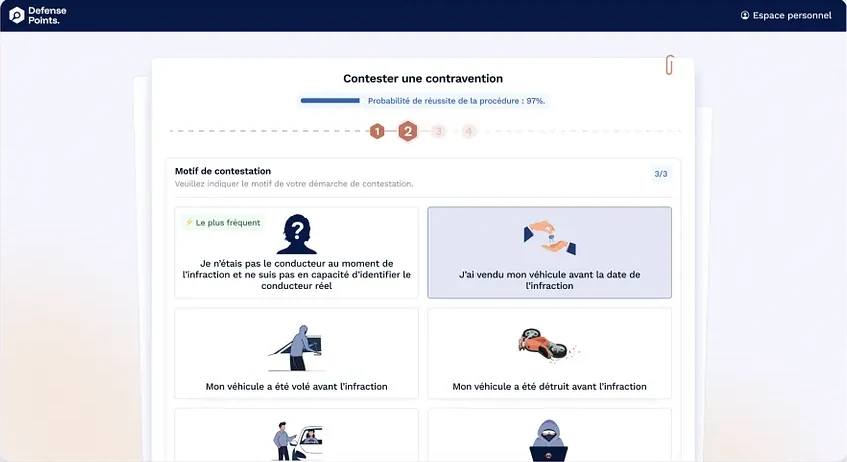
Two choices carry the project. The data on the notice is extracted by code alone, with no AI model, which keeps it reliable and predictable. And a scale tells the driver, in plain words, what their chances are for this type of offence, including when it cannot be contested.
The flow
One driver, from the photo to the firm.
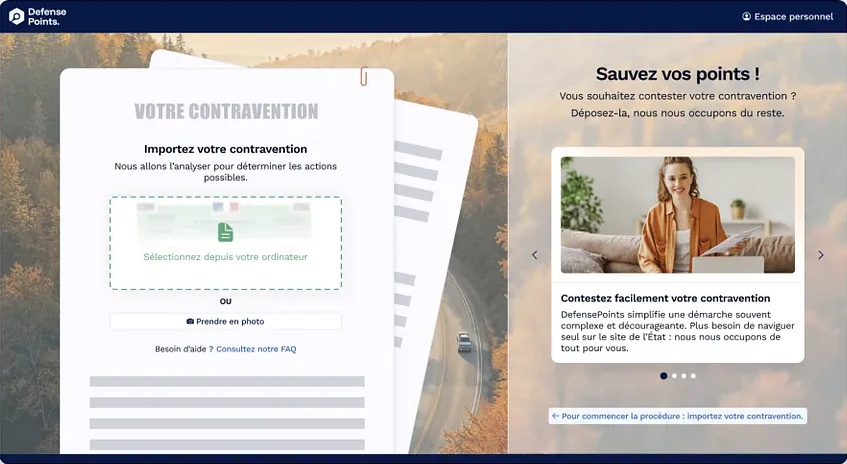
- 01Photo or PDFThe systemThe text is read, then coded rules find each field. No AI model.Text recognitionCoded rules
- 02Checks the formThe systemEach step is pre-filled with what was read.
- 03Reads the oddsThe systemA scale by type of offence.If it cannot be contestedThe scale says so plainly.
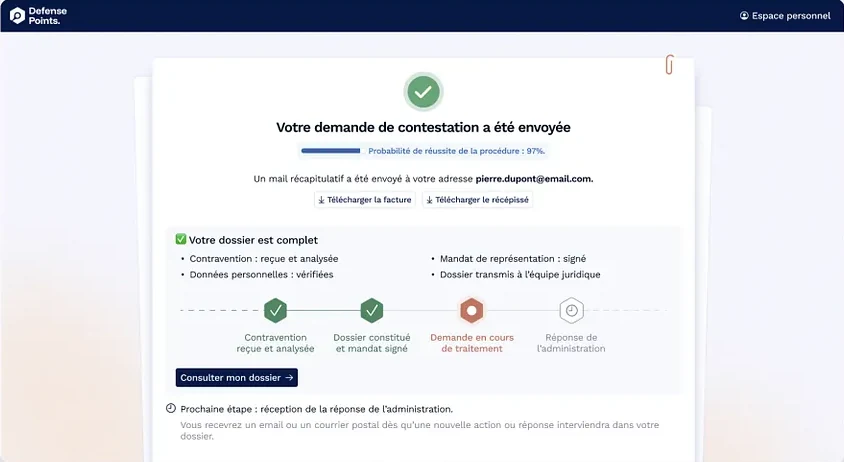
- 04Sends the caseThe systemThe case reaches the firm already sorted by type of offence.
- 05 · The law firmHandles the caseThe systemBack office
On a phone
Photograph the notice, then check what was read.
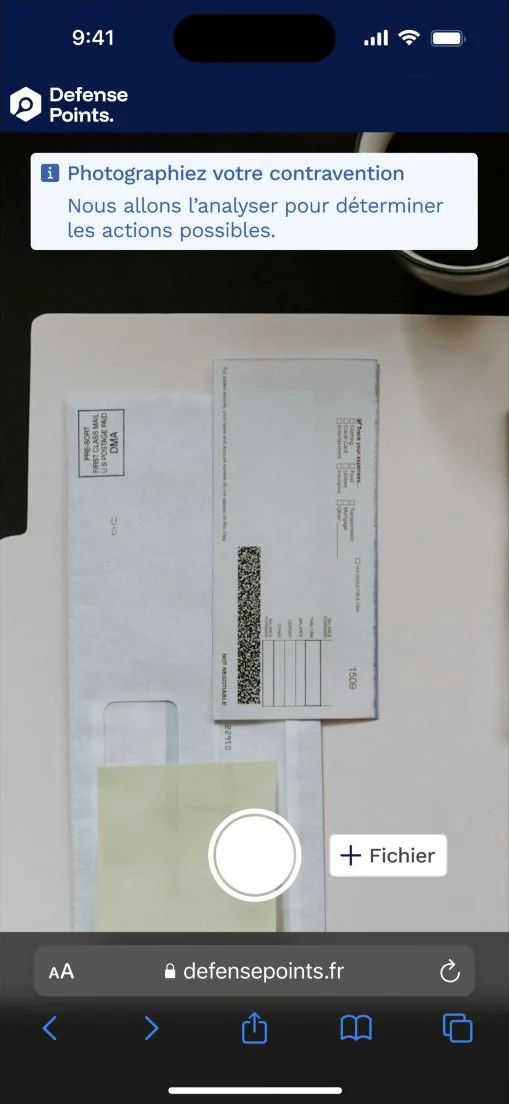
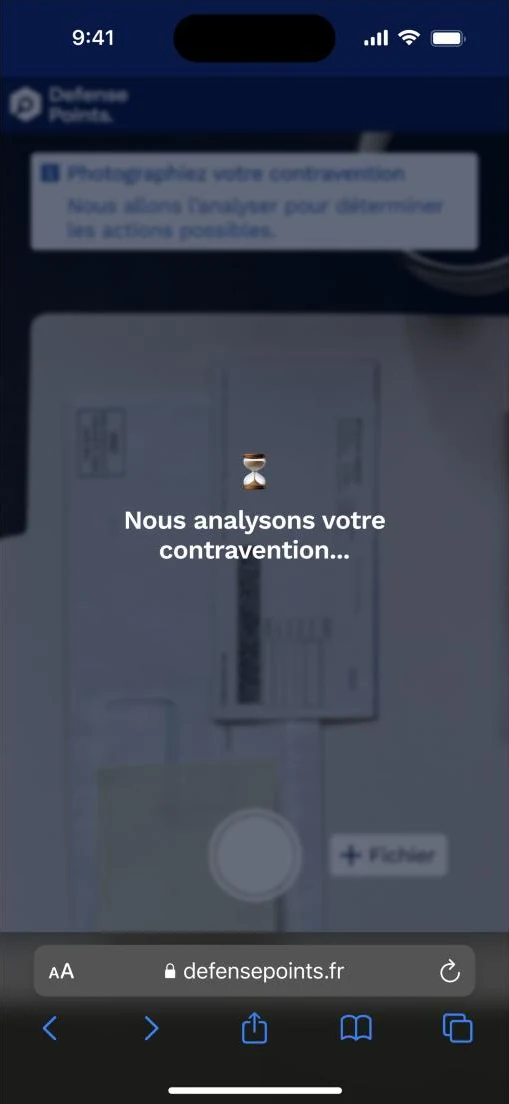
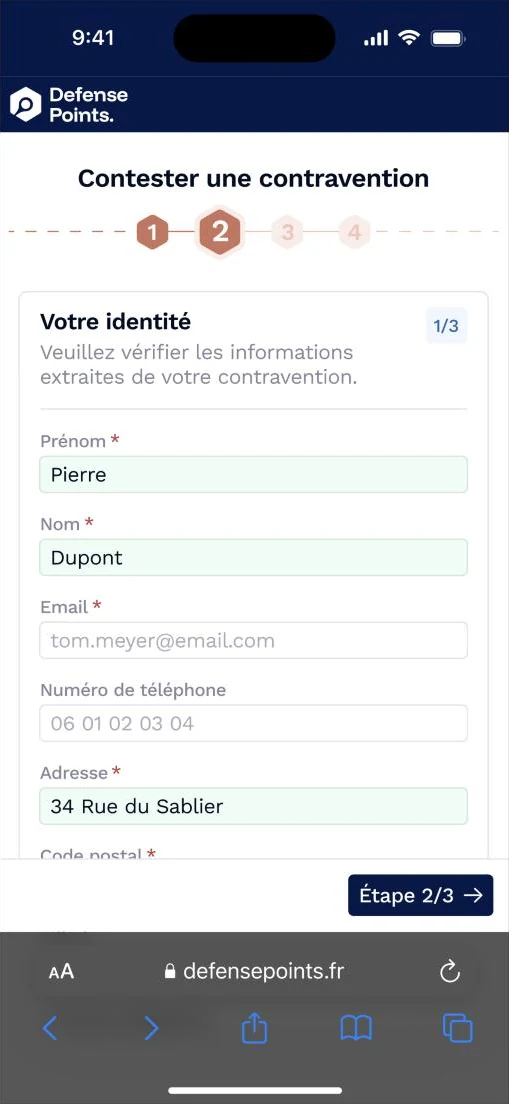
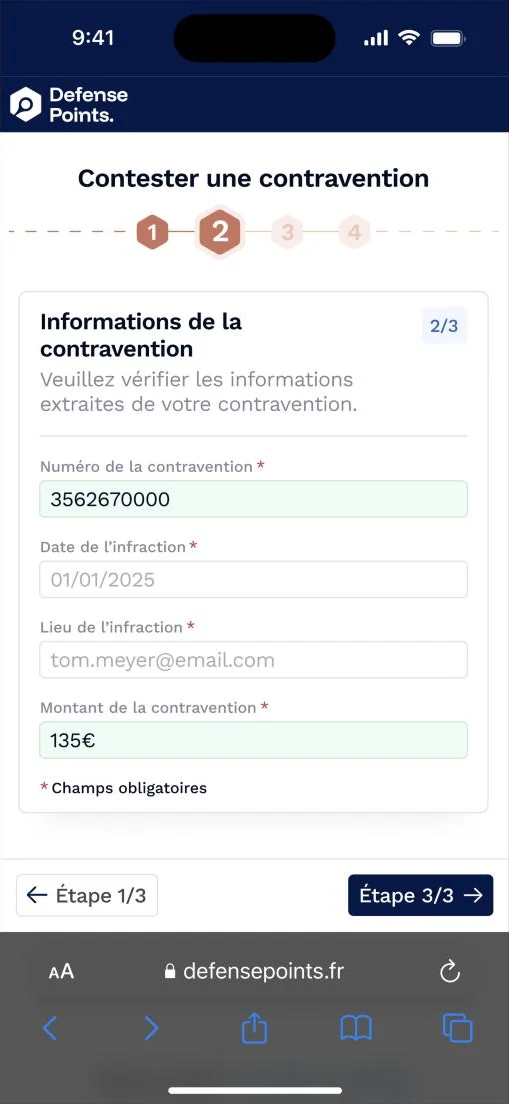
What the code read on the notice comes back filled in, in green. The fields it could not read stay empty, for the driver to complete.
Screens
The odds, in view at every step.