● Case study · Contact centres
ContactMe
One screen for every channel an agent handles. An agent used to need a separate workstation for each channel. We redesigned an acquired platform so one person can run calls, chat and email from a single, stable screen.
- Client
- Remmedia
- Role
- UX Product Designer
- Team
- CTO, developers, product
- Scale
- Up to tens of thousands of simultaneous connections
- Years
- 2019–2024
- Status
- In production, still sold today
Context
A working engine behind a dated interface.
Remmedia bought the core of an existing contact-centre product. The engine could already run several interactions at once. The interface could not: it was built around one channel per agent, whether inbound calls, outbound calls, chat or email.
I spent mornings on a live floor at a large retail client, which stays confidential, on inbound calls and chat queues. The pattern was constant: an agent switching windows to find customer data while the customer waited. That back-and-forth became the problem to remove.
The business goal was simple to state. Agents should become more versatile and sell more, without losing control of the conversation in front of them.
● The call
Keep channels on separate stations, or bring everything onto one screen?
We chose a single screen with a fixed spatial contract. Interactions always sit on the left. Business tools always sit on the right: the CRM, the customer's website or back office. Whatever the channel, the agent's eyes go to the same place.
The console
The spatial contract, running.
The interaction card
One card, every channel, every state.
Every channel uses the same card: a coloured channel icon, the active timer, the counterpart, and a control strip for hold, transfer, flag, SMS and hand-off. A card expands in place to reveal its tools, so the agent never leaves the queue.
- My channel.
- Status and timer.
- The customer’s channel.
- The display: the number, then the name, then where the call is going.
- Controls, always in the same place.
Live tracking
Sell more, and sell better.
A caller asks about delivery. The agent asks which product she was looking at, searches for it, and she waits: thirty seconds lost. Live tracking removes them. The moment the agent picks up, the screen shows where she is on the site, what she has seen and what is in her basket. The example that sold the tool internally: a maternity shop gets a call about shipping, the agent sees two 0-3 month items in the basket and a third one in the same range on sale, and a delivery question becomes an upsell. On average the phone carries 31% of e-commerce orders (Fevad): every call is a sale in progress.
Supervision
The floor, on one wall.
Beyond the product
The same system, out in the world.

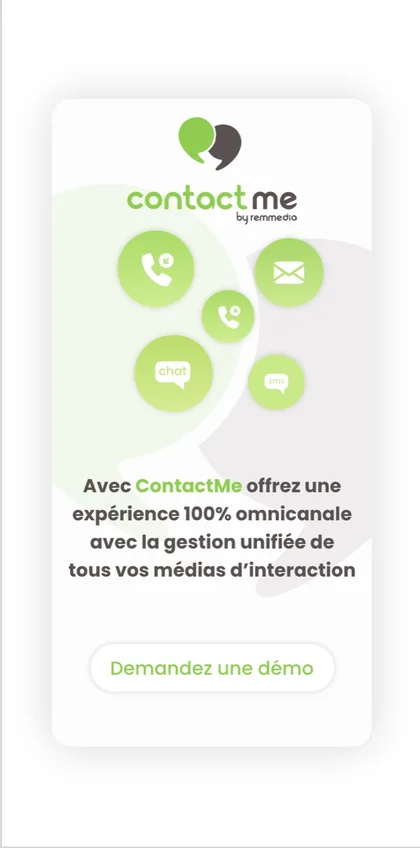
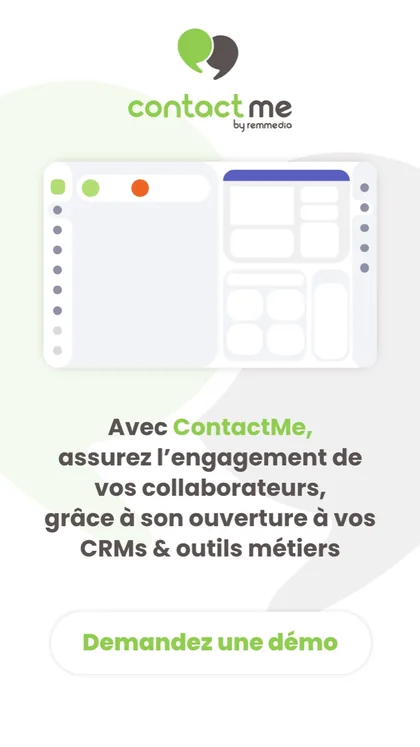
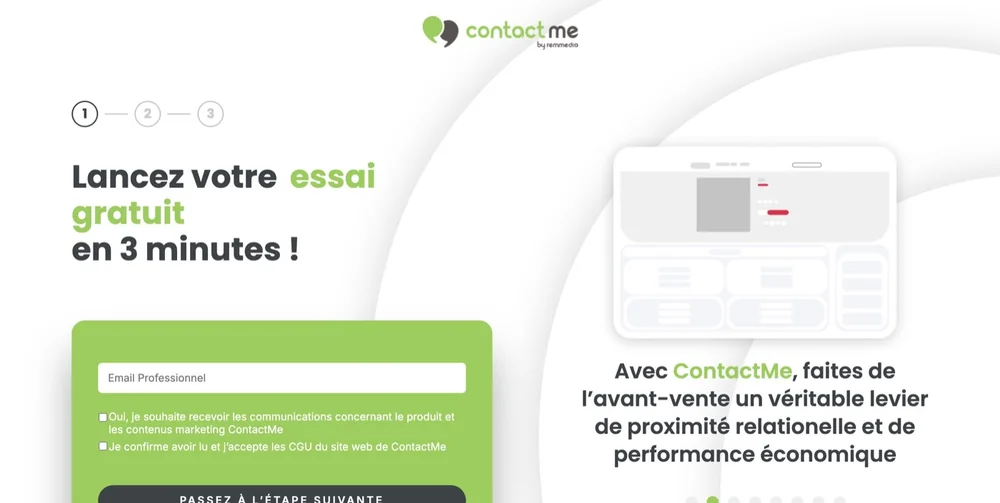

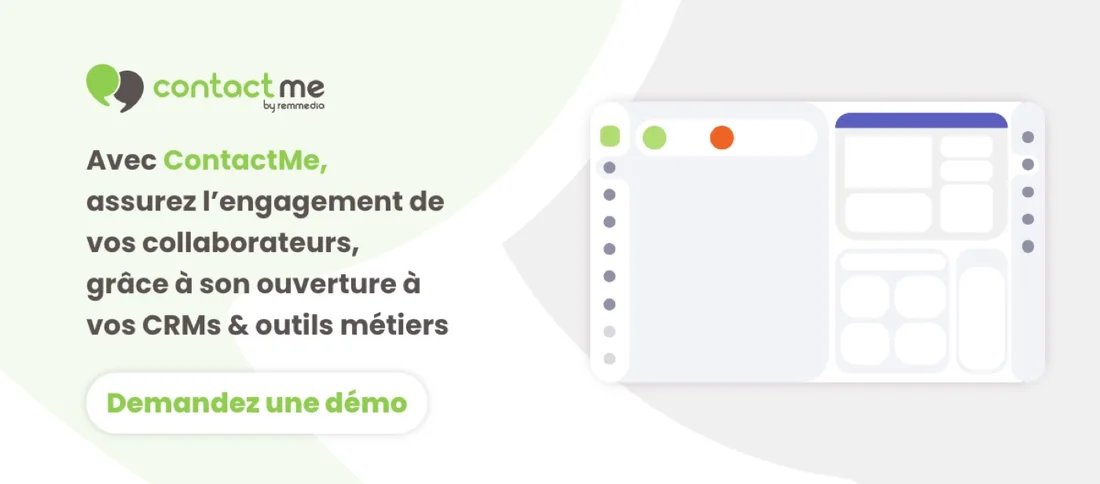
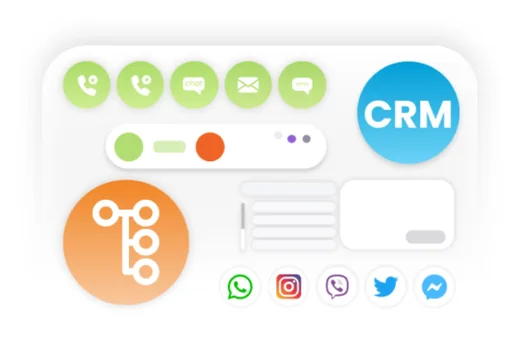




I also carried the product into its communication. The campaign reuses the interface at large scale: the channel discs, the console, the control strip, all floating over the green blob of the mark. A person in a demo saw the same objects they had seen in the ad.
What shipped
Delivery
A design system kept the screens coherent across five years of releases. I ran QA on every delivery with the CTO and the developers, at a time when design and development still worked as separate trades with hand-made hand-offs.